
Picture password in WIN 8
Picture password is a feature introduced with Windows 8 that allows you to create three different gestures on any image of your choice and use those gestures as your password. The gesture can be any combination of circles, straight lines, and taps. For example if the picture you chose was of a face your picture password could be a tap on each eye and then a circle around the mouth.
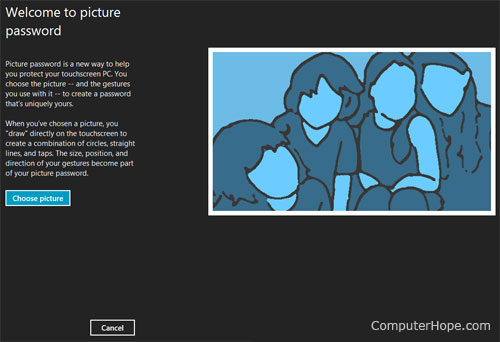
How do I enable a Windows 8 picture password?
- Open the Windows Charms.
- Click Settings and then More PC settings
- In the PC settings window click Users and then select Create a picture password


No comments:
Post a Comment